History and deletion
Find old conversations and distinguish local removal from deletion in a provider account.
Content baseline: 2.5.0-dev. Store releases and browser builds may differ.
Where history is stored
ChatBrawl stores local conversation records in this browser’s extension storage for search, review, and reopening. These records are not a complete mirror of every AI account’s history.
Changing browsers, removing the extension, or clearing extension data can remove local records. Each provider manages the conversations stored in its own account separately.
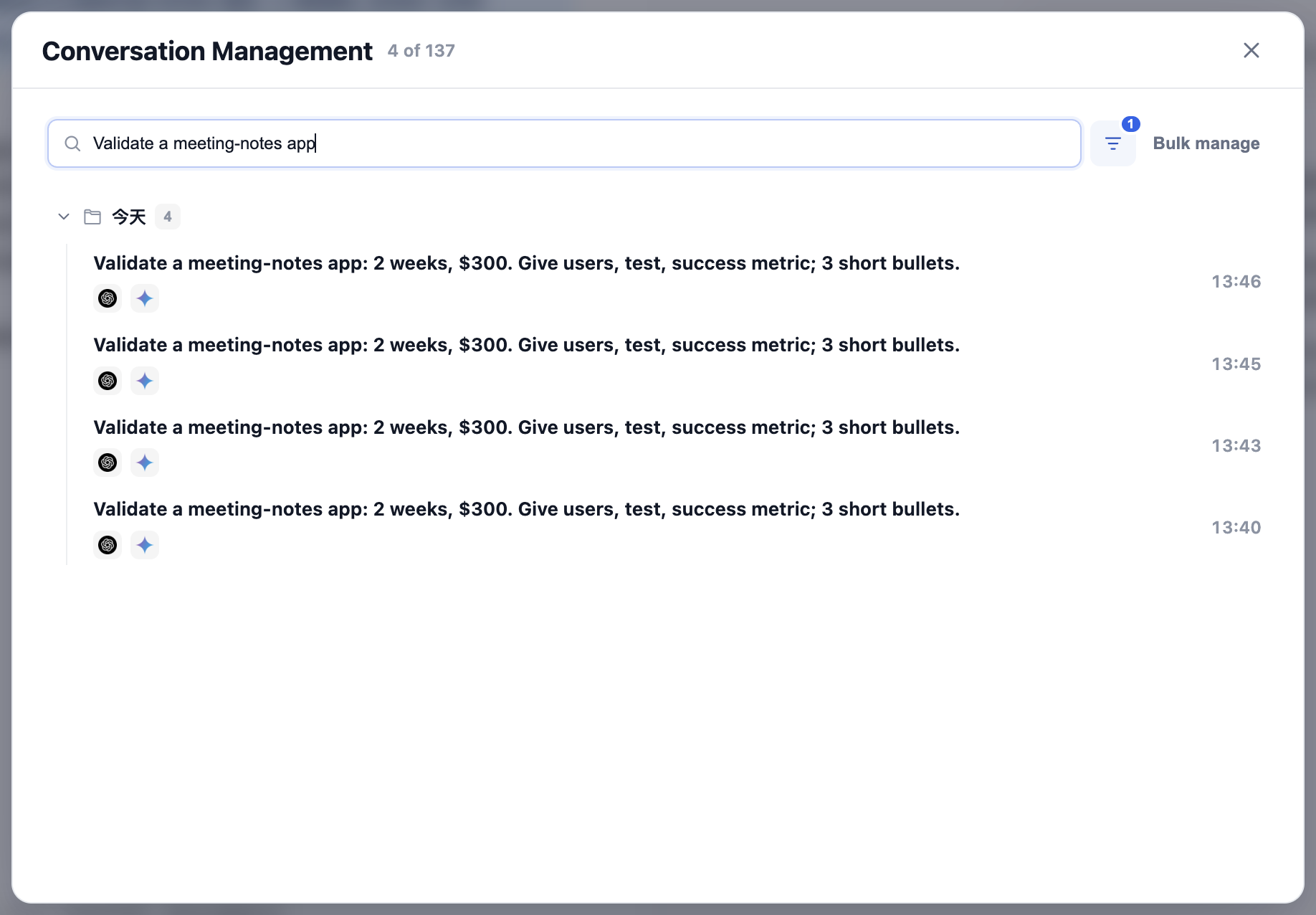
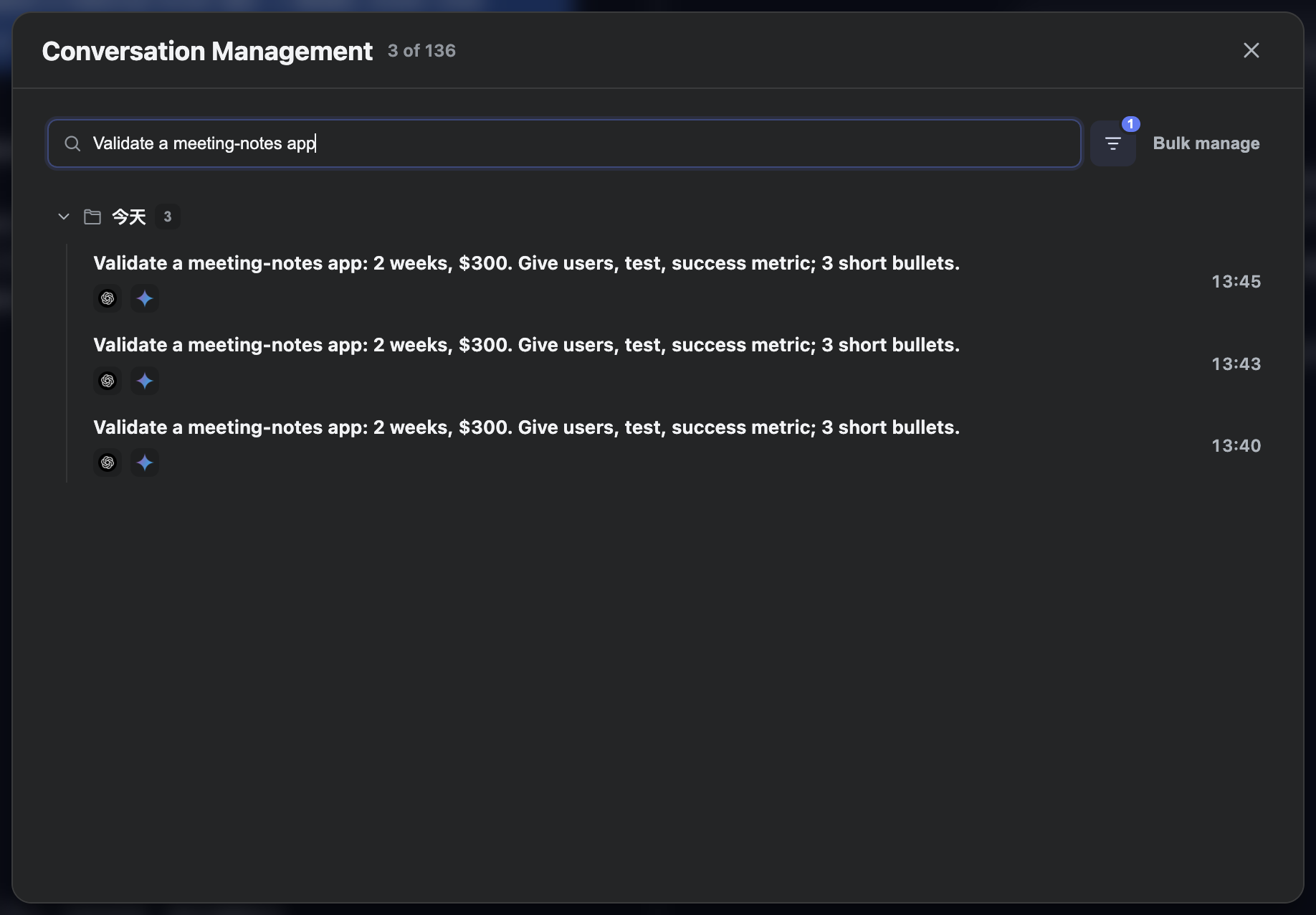
Search and filter
- Open conversation management and search for words from the question.
- Narrow the list with time, site, or synchronization filters. Clear filters to return to the broader list.
- Select a record to inspect its sites and available actions. If you load more records, check which filters remain active.
Reopen a conversation
Use the record’s open or resume action to return to its associated original conversation. Some views also support double-clicking a record.
The original site and the correct signed-in account must still be available. A local index cannot reconstruct a conversation that the provider deleted or made inaccessible.
Remove local records only
The local-only deletion action removes the ChatBrawl index in this browser. It does not delete conversations in AI provider accounts. Before a batch action, check filters, selected records, and the count.
Confirm that you no longer need these records for local search or reopening. Local removal does not imply that the provider’s history was cleared.
Delete conversations on original sites
- Select the records and check which sites support synchronized deletion and which allow only local actions.
- Read the confirmation carefully, including sites, conversations, and scope. This uses your current sign-in state to act on the provider account.
- After confirming, wait for each site’s result rather than repeatedly starting the same deletion.
Partial success and unsupported sites
Successful site deletions remove those site links from local records; failed or unsupported links remain. A local record is removed entirely only when no site links remain.
If original links remain accessible, sign-in expired, or deletion is unsupported, verify the result on the provider’s site. Inspect partial results before repeating a batch.