Sites and capabilities
Check support for attachments, linked toolbar controls, and conversation deletion.
Content baseline: 2.5.0-dev. Store releases and browser builds may differ.
Read the capability table
This table lists features declared in the extension configuration, not live availability. Actual use depends on your extension version, browser, account, plan, region, and changes to each site.
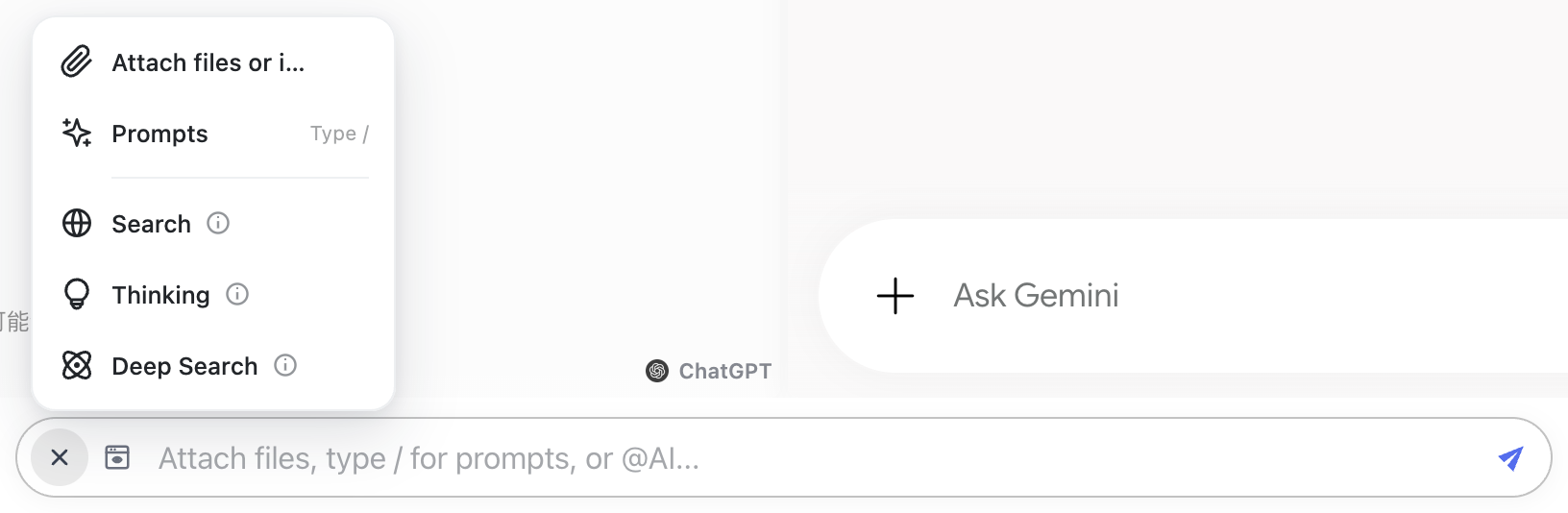
Image, file, and multiple-file columns describe the attachment adapter. Linked controls describe configured ChatBrawl toolbar actions such as search or thinking. An undeclared link does not mean the provider lacks the native feature; use its original controls when needed.
Reference version 2.5.0-dev · 32 sites
Store versions may differ. Check your installed version and the actual site state.
Scroll the table sideways for more capabilities and down for all sites.
| Site | Images | Files | Multiple files | Linked toolbar controls | Site deletion | Theme sync |
|---|---|---|---|---|---|---|
| Felo | Declared | Declared | Not configured | Search | Deletion | Light / dark |
| ChatGPT | Declared | Declared | Declared | Search, Thinking | Soft deletion | Light / dark |
| Grok | Declared | Declared | Declared | Use site controls | Soft deletion | Light / dark |
| Claude | Declared | Declared | Declared | Search | Deletion | Light / dark |
| DeepSeek | Declared | Declared | Declared | Search, Thinking | Deletion | Light / dark |
| Qwen | Declared | Declared | Declared | Search, Thinking | Deletion | Light / dark |
| Qianwen | Undeclared | Undeclared | Undeclared | Thinking | Undeclared | Light / dark |
| Kimi | Declared | Declared | Declared | Use site controls | Deletion | Light / dark |
| Kimi | Undeclared | Undeclared | Undeclared | Use site controls | Undeclared | Light / dark |
| Doubao | Declared | Declared | Declared | Use site controls | Deletion | Light / dark |
| Dola | Undeclared | Undeclared | Undeclared | Use site controls | Undeclared | Light / dark |
| Gemini | Declared | Declared | Declared | Deep search | Deletion | Light / dark |
| Copilot | Declared | Declared | Declared | Thinking | Deletion | Light / dark |
| Yuanbao | Declared | Declared | Declared | Deep search | Deletion | Light / dark |
| BaiXiaoYing | Declared | Declared | Declared | Use site controls | Deletion | Light / dark |
| Z.ai | Declared | Declared | Declared | Use site controls | Deletion | Light / dark |
| Z.ai | Declared | Declared | Declared | Use site controls | Undeclared | Light / dark |
| MiniMax | Declared | Declared | Declared | Use site controls | Deletion | Light / dark |
| MiniMax | Declared | Declared | Declared | Use site controls | Deletion | Light / dark |
| StepFun | Declared | Declared | Declared | Search, Thinking | Deletion | Light / dark |
| Metaso | Undeclared | Undeclared | Undeclared | Use site controls | Deletion | Light / dark |
| Perplexity | Undeclared | Undeclared | Undeclared | Use site controls | Deletion | Light / dark |
| Arena | Undeclared | Undeclared | Undeclared | Use site controls | Undeclared | Light / dark |
| Meta AI | Undeclared | Undeclared | Undeclared | Thinking | Deletion | Light / dark |
| Muse | Declared | Declared | Declared | Use site controls | Deletion | Light / dark |
| Manus | Declared | Declared | Not configured | Use site controls | Undeclared | Light / dark |
| Genspark | Declared | Declared | Declared | Use site controls | Undeclared | Light / dark |
| LongCat | Declared | Declared | Not configured | Thinking | Deletion | Light / dark |
| Wenxin | Declared | Declared | Declared | Use site controls | Deletion | Light / dark |
| MiMo | Declared | Declared | Declared | Use site controls | Deletion | Light / dark |
| Duck.ai | Declared | Declared | Declared | Search | Deletion | Light / dark |
| Mistral | Not configured | Declared | Declared | Thinking | Deletion | Light / dark |
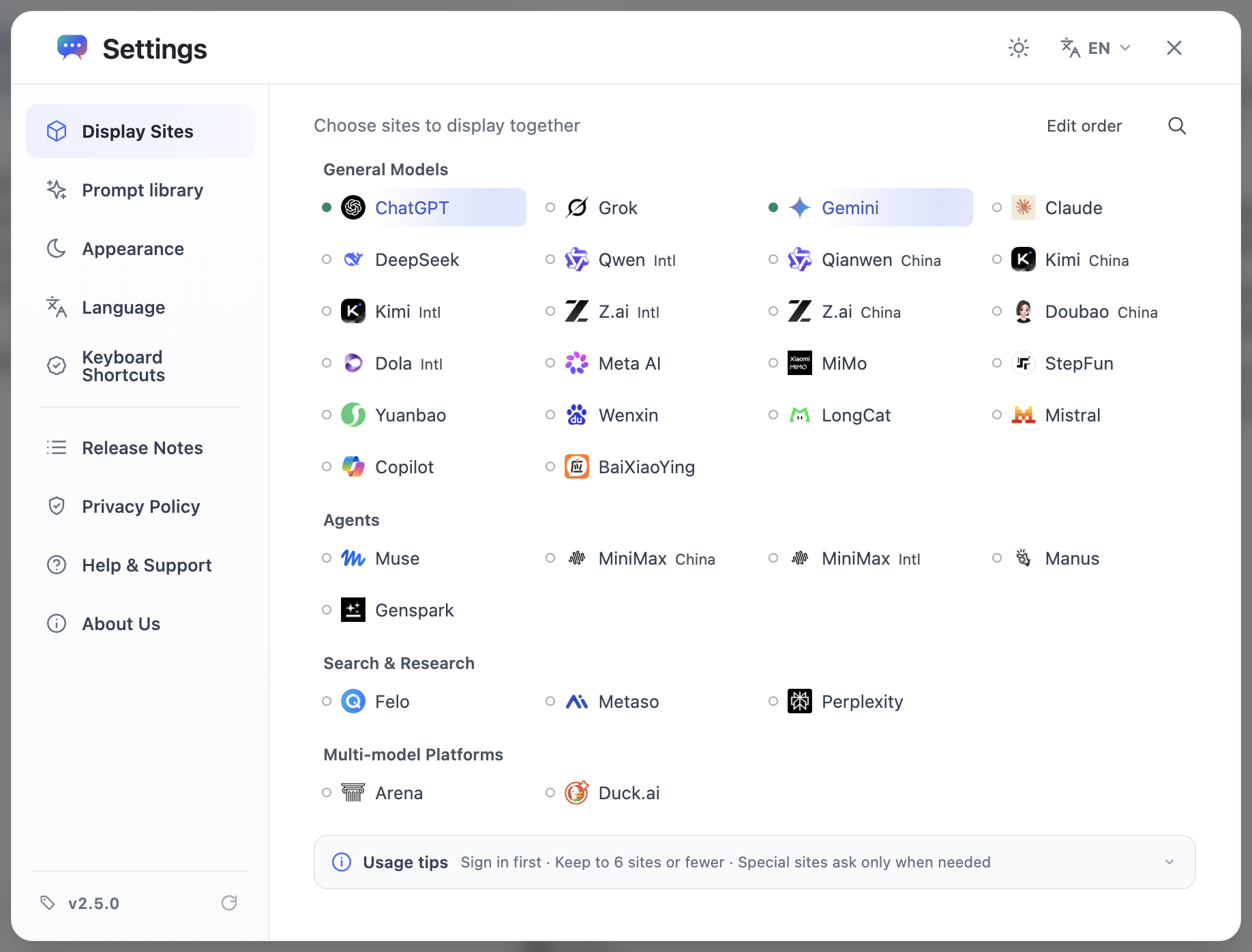
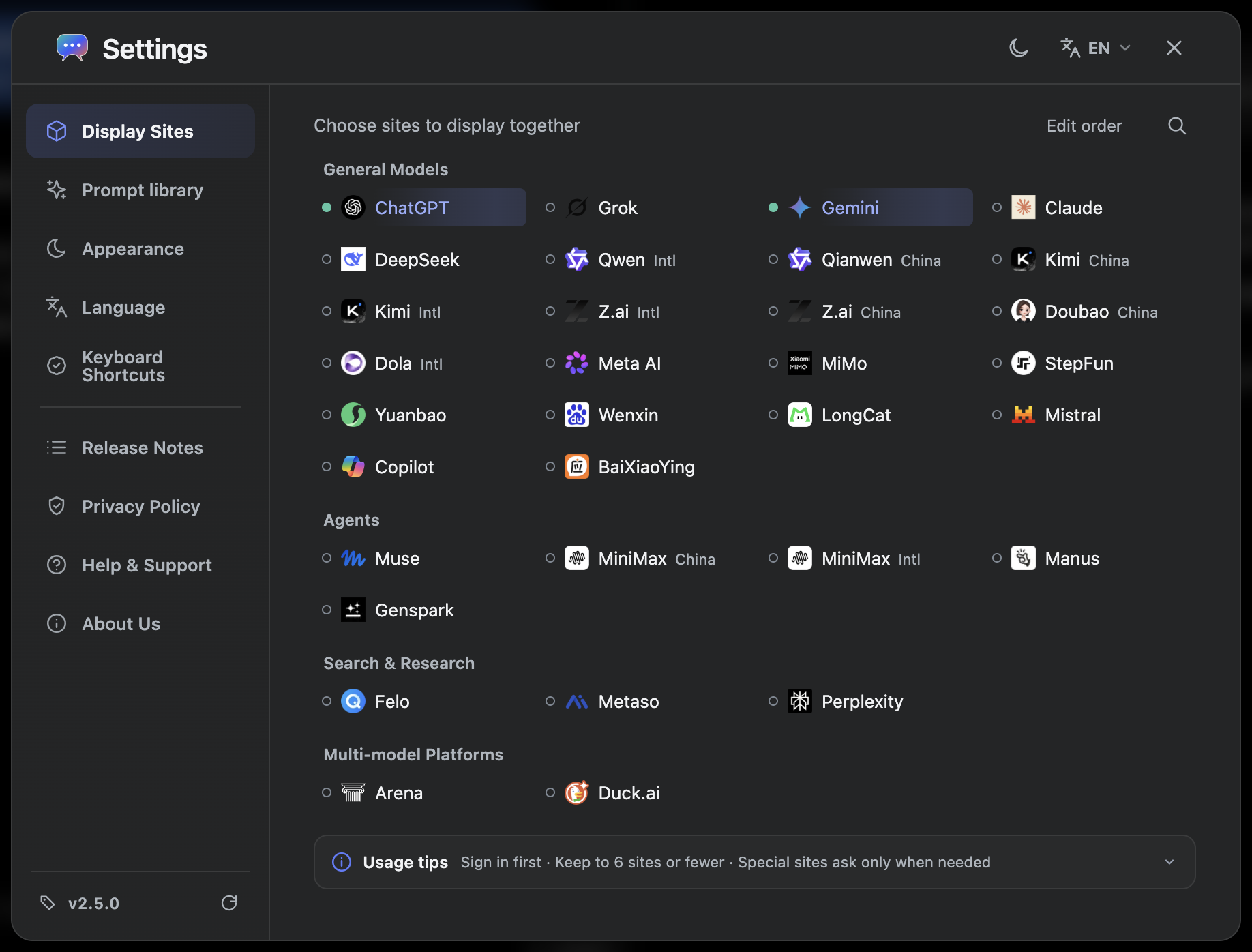
Choose, search, and arrange sites
- Open site selection in settings and search by site or organization name.
- Enable the sites you need and turn off the rest. The workspace organizes the original sites you select.
- Use the order editor to rearrange sites within a category, then confirm. Workspace panes also have their own ordering controls.
Accounts and subscriptions
Sign in to each provider separately. Existing plans and quotas remain attached to the corresponding account; ChatBrawl does not share subscriptions or quota between providers.
If a site reports a limit, unavailable model, or regional restriction, check it on the original site first. Reinstalling the extension usually cannot change those account conditions.
Linked controls and native features
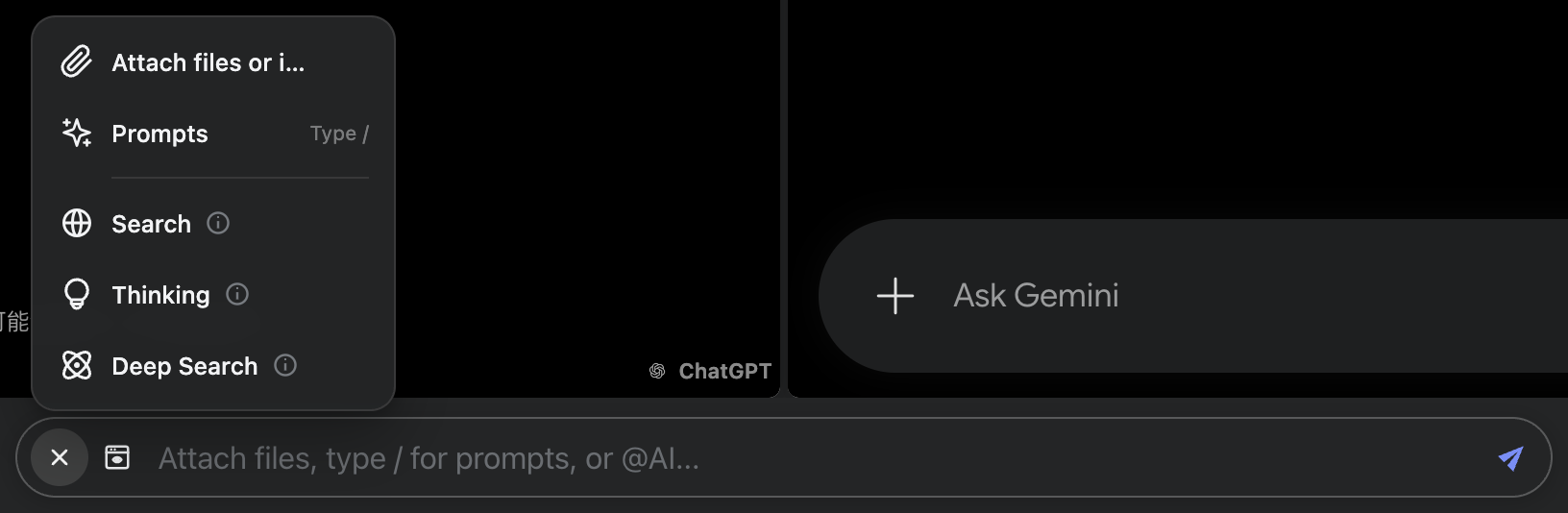
Supported search or thinking toggles call features on the original site. Options differ by provider and may change when its interface changes.
If the shared toolbar does not offer what you need, show the site’s original controls and use them there. A single toolbar action does not guarantee an identical feature or mode on every site.
When a site changes
A redesign, sign-in challenge, or changed interface can temporarily break an adapter. Check the account on the original site, then check the extension version and site permissions.
A useful report includes your browser and extension versions, the site name, reproduction steps, and the error message. You do not need to provide passwords or cookies.